Download the newest version:
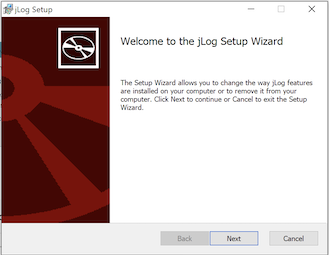
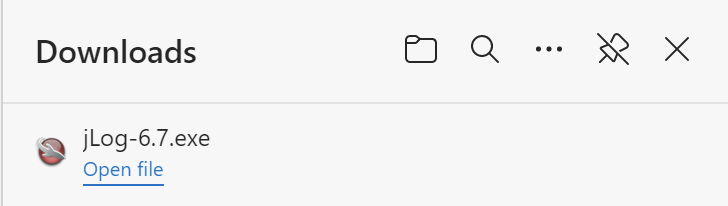
Click on the above link. A pop-up appears and allows you to Open the file. Click on the link and the installer page should follow. You should normally use the defaults for the following pages.
The previous installation should normally be removed before installing a new version. You can alternatively, choose to install the new version in another folder by modifying the installation path when running the installer (later). To uninstall, goto Settings->Apps and Features, look for jLog and select Uninstall.
Install the new version as described above.
Goto Apps and Features and select Uninstall.
You may also remove your personal files by deleting the < "Home">/jLog folder.

Installer: