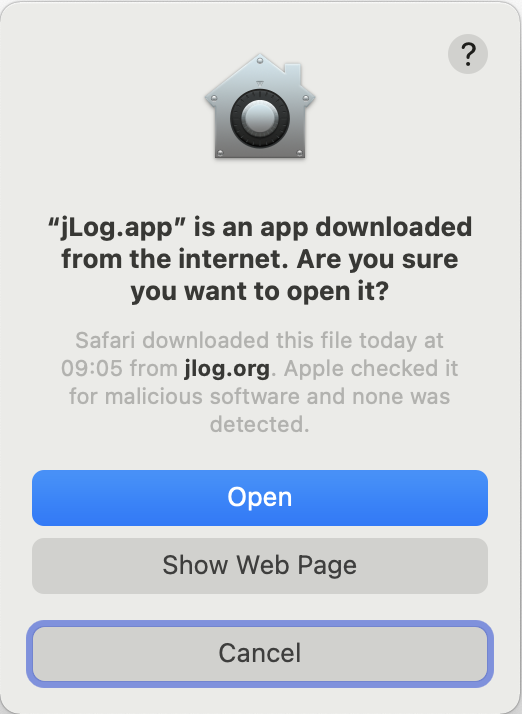
Download the jLog application for Mac OS X
The installer and optional files are available under these License conditions:
*) These files are only needed if a Radio or Keyer is to be connected via a serial communications port. New, improved RXTX version 2.1-7.
**) Right-Click to save
Alternative RXTX installer for Tiger only.
Instructions
- Log in as the preferred user (need Administrator privileges) and download the installer program that corresponds to the selected version of jLog, e.g. to the Desktop (folder).
- Start the installation by double-clicking the install.zip file and normally using the default values.
- This description explains how to switch between the Java Runtime Environments that are available on your computer.
The next steps are only necessary if you are going to connect a radio or keyer.
- If you are upgrading from V 3.x or V4 Beta 2 (i.e. from an older version of RXTX), please remove the file 'libSerial.jnilib' in the '/Library/Java/Extensions' folder
- Please download 'RXTXcomm.jar' and 'librxtxSerial.jnilib' and install them in the '/Library/Java/Extensions' folder.
- Please download 'fixperm-217.sh' and install it e.g. on the 'Desktop'.
- Important: Open a Terminal window (found under Application->Utilities) and type:
$
cd Desktop (or the folder where you downloaded the script)
$
sudo sh ./fixperm-217.sh
Password:
<your administrator password>
This will set the proper privileges for accessing the serial port driver.
NOTE:
To install:
If you experience problems starting the installer after download, please make sure that you are not expanding 'install.zip' into 'install.app' using an old StuffIt Expander (e.g. V 8). Use another expander or download the new free StuffIt Expander V
10.
To run:
Mac OS X 10.3.9 ("Panther") users need to apply one of Apple's QuickTime 7.0.1 Reinstallers to run Java applications using Java 1.4+. There should be no problems using Java 1.3*.
- Reinstall QuickTime 7.0.3 to 7.0.1
- Reinstall QuickTime 7.0.4 to 7.0.1
- QuickTime 7.1.2 users must wait for a reinstaller and use jLog with Java 1.3. See here how to change the Java version (i.e. use 1.3*).
|